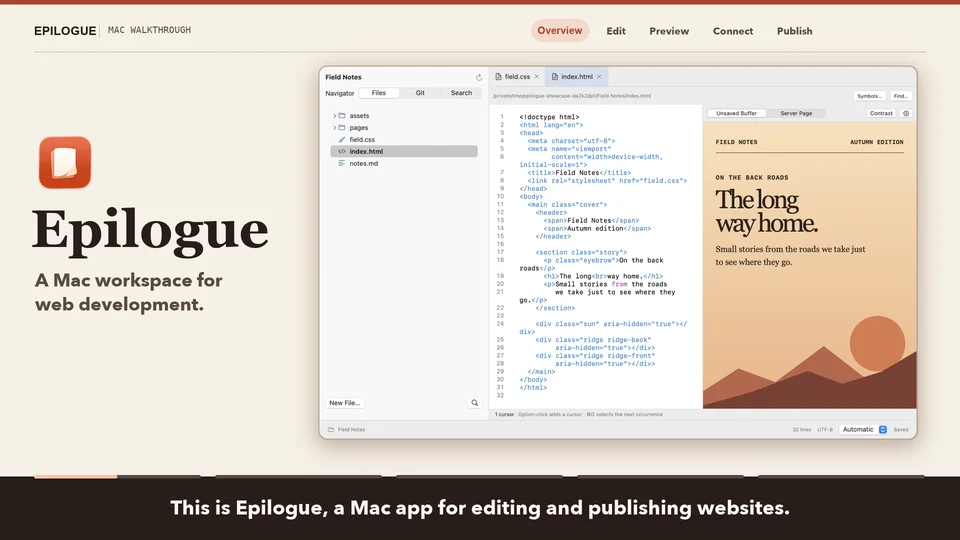
Edit your project
Open a local project or edit a remote file. Search across your project, review Git changes, and run commands in the built-in terminal.
A native Mac editor for the web
Write code, see your page take shape, and send files to your server from one Mac app.
Explore the workflow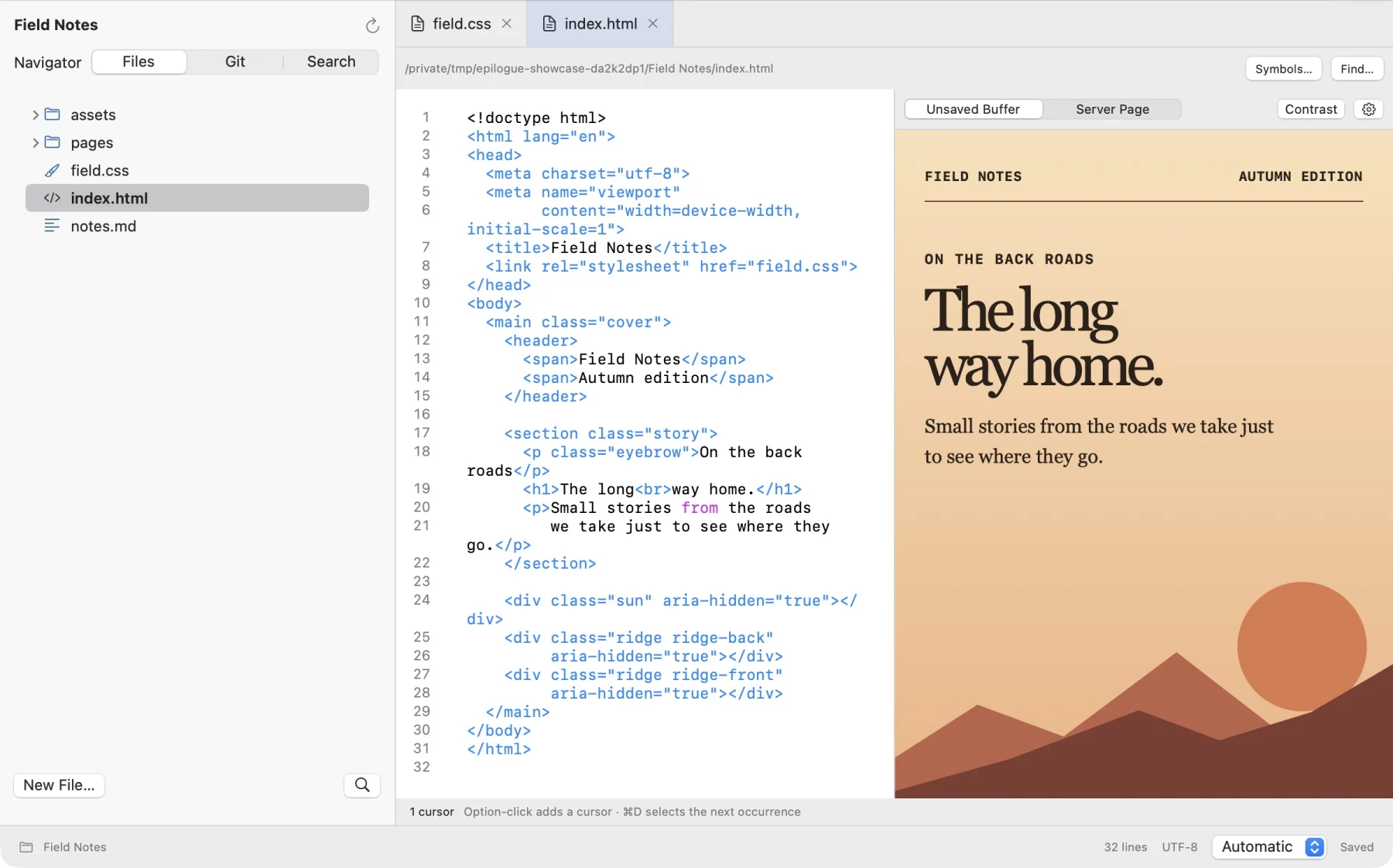
Open a local project or edit a remote file. Search across your project, review Git changes, and run commands in the built-in terminal.
Open a page preview beside your code. Preview local HTML or a site served by your local development server.
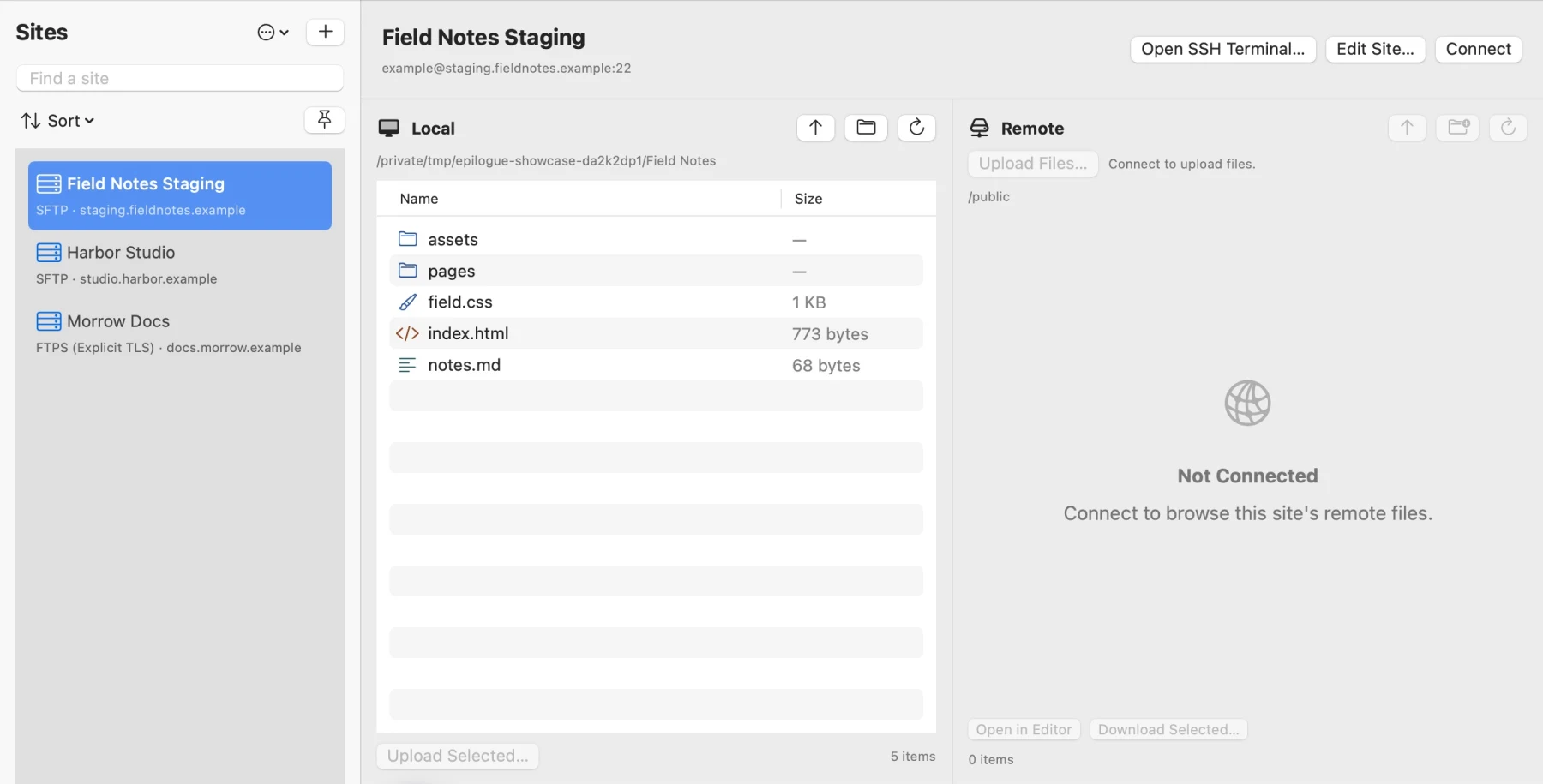
Connect to your server with SFTP, FTP, or FTPS. Review which files will be sent before you publish.
Release status
Current test builds require an Apple silicon Mac running macOS 15 or later.